

Build a home server you can actually live with.
Clear, beginner-friendly guides for quiet hardware, Jellyfin, simple networking and backups that restore.
Common fixes

- Real-world testing
- Low-power first
- No assumed knowledge
What are you trying to do?
Pick the closest goal. Each path starts with the useful steps and leaves the optional complexity until later.
Get Jellyfin working
Work through paths, mounts, Linux permissions, Docker mappings and library scans in the right order.
Open the Jellyfin hub Build from scratchStart a small home lab
Choose one low-power machine, one useful service and a backup plan you can test before adding complexity.
Follow the starter path Protect your setupMake recovery boring
Use practical 3-2-1 backups, clear storage layouts and restore checks before your server becomes essential.
Build a backup planFeatured from SmallGrid
All guides
Jellyfin 12 Upgrade Guide: 10 Things to Check Before You Update
Prepare Jellyfin 10.10 or 10.11 for version 12: verify backups, plugins, Docker or Ubuntu packages, migrations, permissions, playback and rollback.
Read guide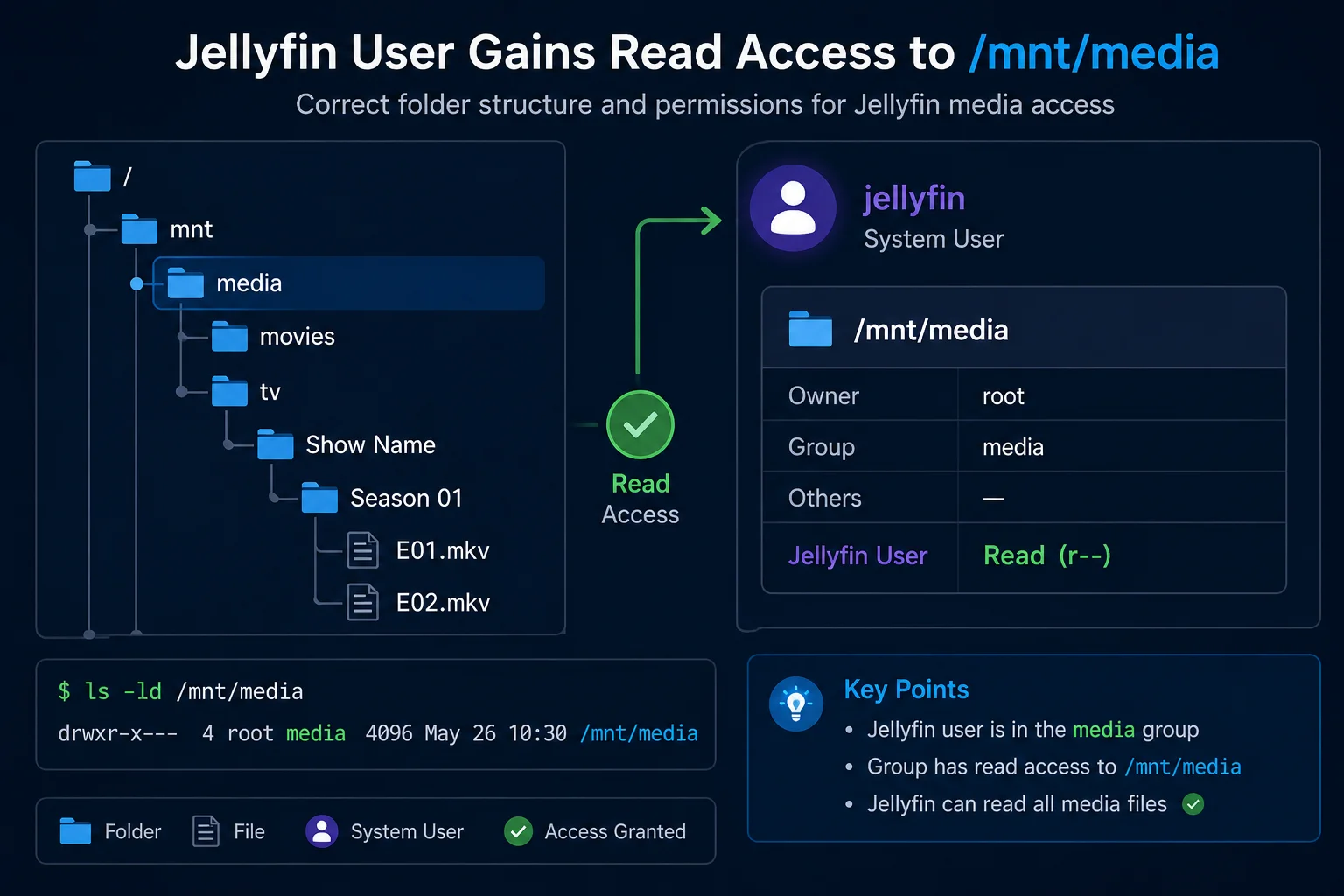
Jellyfin Library Not Showing Files? 8 Checks That Fix It
Fix a Jellyfin library that is empty or missing media. Check mounts, Linux permissions, Docker paths, library folders, naming, scans and logs in the correct order.
Read guide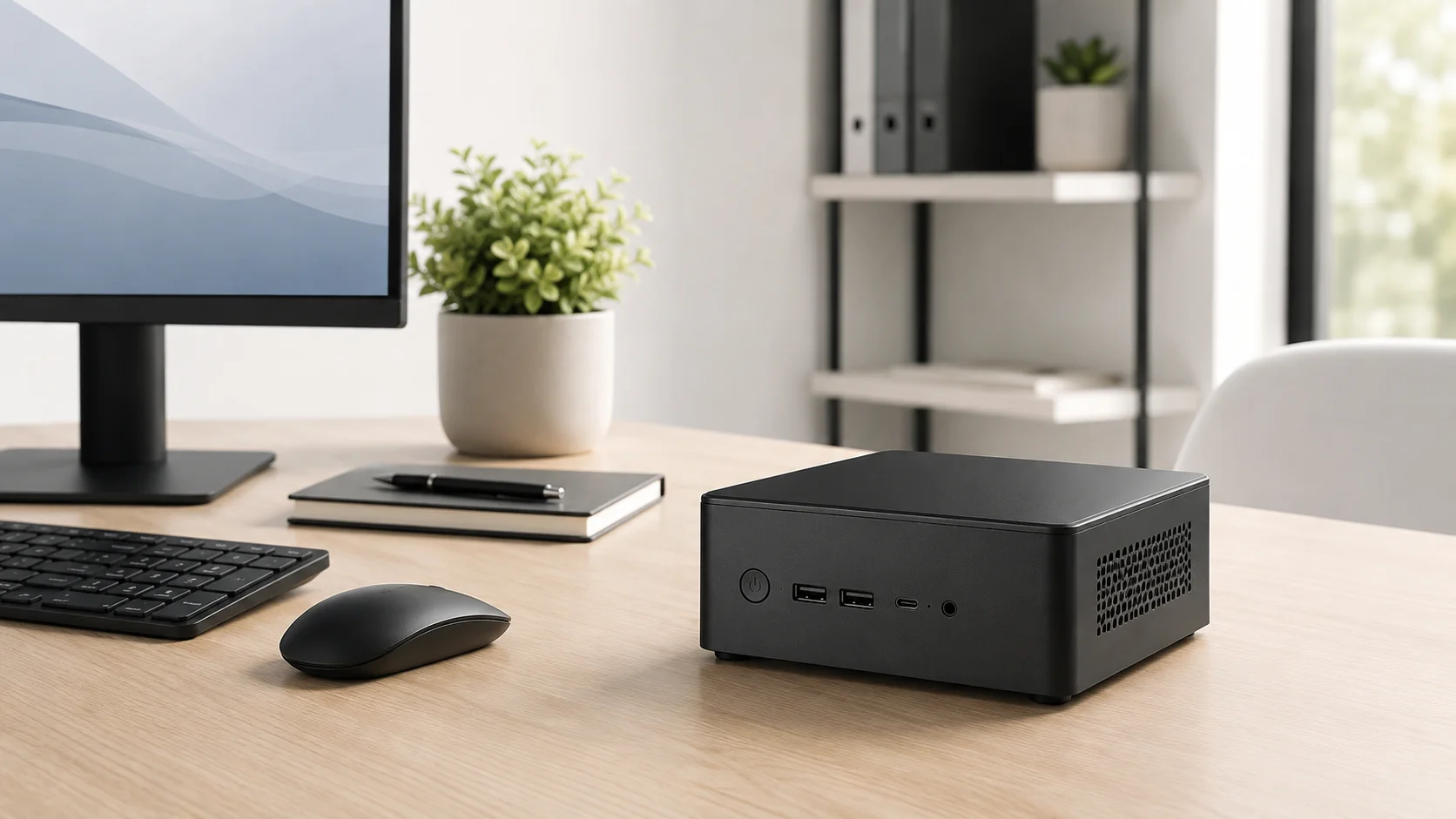
Best Mini PC for Jellyfin: CPU, RAM and Quick Sync Specs
Looking for the best mini PC for a Jellyfin server? Compare Intel N100 and used Core i5 options, Quick Sync, RAM, SSD and low-power requirements.
Read guideLatest home lab updates
What changed, and what to do about it.
Ubuntu 26.10 on Our Server and Laptop: SmallGrid First Impressions
SmallGrid has upgraded both its own Ubuntu home server and a daily-use laptop to Ubuntu 26.10. So far, both are working well, with no major issue changing our cautious home-server recommendation.
Ubuntu 26.04.1 Upgrade Not Showing? Why do-release-upgrade Says No New Release
Ubuntu 24.04 to 26.04.1 upgrades were enabled on 29 September 2026. Troubleshoot a missing offer safely without forcing a development upgrade.
Is Your Docker Home Server Up to Date? How to Check and Update Docker Safely
Check whether Docker Engine and Compose are current, understand the difference between container and Engine updates, and patch an Ubuntu home server safely without breaking Jellyfin or other stacks.
Advice from a real, imperfect home lab.
SmallGrid documents what works after the commands have run: permissions checked, mounts confirmed, playback inspected, power measured and recovery tested. When something fails, the failure becomes part of the guide.
- Guides
- 96 published
- Lab journal
- 25 entries
- Last updated